What's new for POM 2026?
- Schedule shifted back by two weeks
Problems will now be released on the 1st day of every month, with a due date on the last day of that month. So, the POM season will start on September 1st.
- Different POM admission tracks for SigmaCamp, SigmaWest, and SigmaNext.
- For SigmaCamp/SigmaWest admission, there are two separate tracks:
- Participants born in 2014 or later: we consider your 4 highest-scoring submissions per month, up to a maximum of 30 points per month.
- Participants born in 2013 or earlier: we consider your 5 highest-scoring submissions per month, up to a maximum of 40 points per month.
- For SigmaNext admission:
- Participants eligible to attend SigmaNext: we consider all of your submissions, except that 5pt submissions are worth 0 points.
- All participants may still submit as many solutions as they wish and receive feedback on them.
- For SigmaCamp/SigmaWest admission, there are two separate tracks:
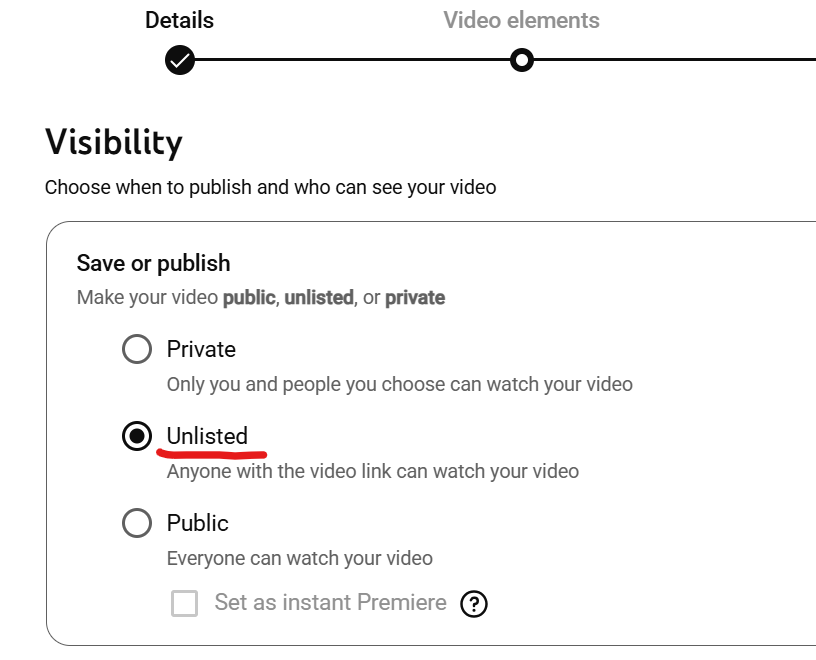
- Videos are now optional for problems
- 5pt and 10pt problems: videos are no longer required. However, submitting a video for a problem will add a 20% bonus to the score earned for that problem.
- Projects (30pt): Video is still mandatory for projects.
- No more hints/late deadlines:
There is now just one deadline: the last day of every month.
Please fill out this feedback form at any point throughout the season to let us know what you think about POM.